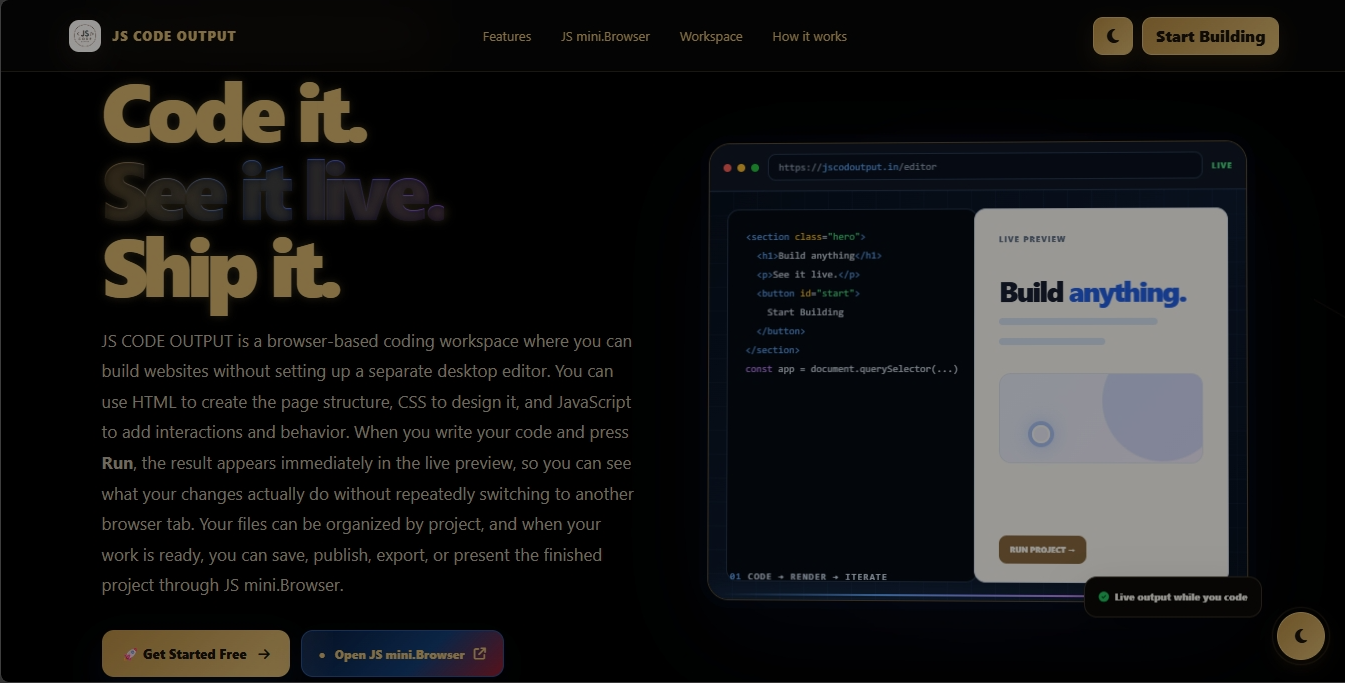
Code it. See it live.
Ship it.
JS CODE OUTPUT is a free online coding and web-building platform where you can create projects with HTML, CSS and JavaScript, see your work live, organize your project files, and publish finished projects without needing a complicated local setup.
What is JS CODE OUTPUT?
JS CODE OUTPUT is an online coding platform designed to make web development simple, visual and approachable. You can write HTML, CSS and JavaScript in one workspace and use the live output to understand what your code is doing.
Instead of starting with a complicated development environment, a beginner can open the platform, create a project, work with the project files, run the code, inspect the result and continue improving it. The platform is built around a straightforward idea: write code, see the result, learn by doing.
How JS CODE OUTPUT works
From your first visit to a finished project, the workflow is designed to stay clear and easy to follow.
Start
Begin from the main start page and choose to start building your web project.
Create a project
Give your project a clear name so your idea becomes an organized workspace.
Code & preview
Work with your HTML, CSS and JavaScript files while watching the live output.
Publish
When your project is ready, use the publishing/deployment workflow to take it beyond the editor.
Start with a clear idea
The start page introduces the core experience: build directly in the browser, see your output live and move from an idea to a working web project.
See changes as you build.
Keep work organized.
Take finished work further.
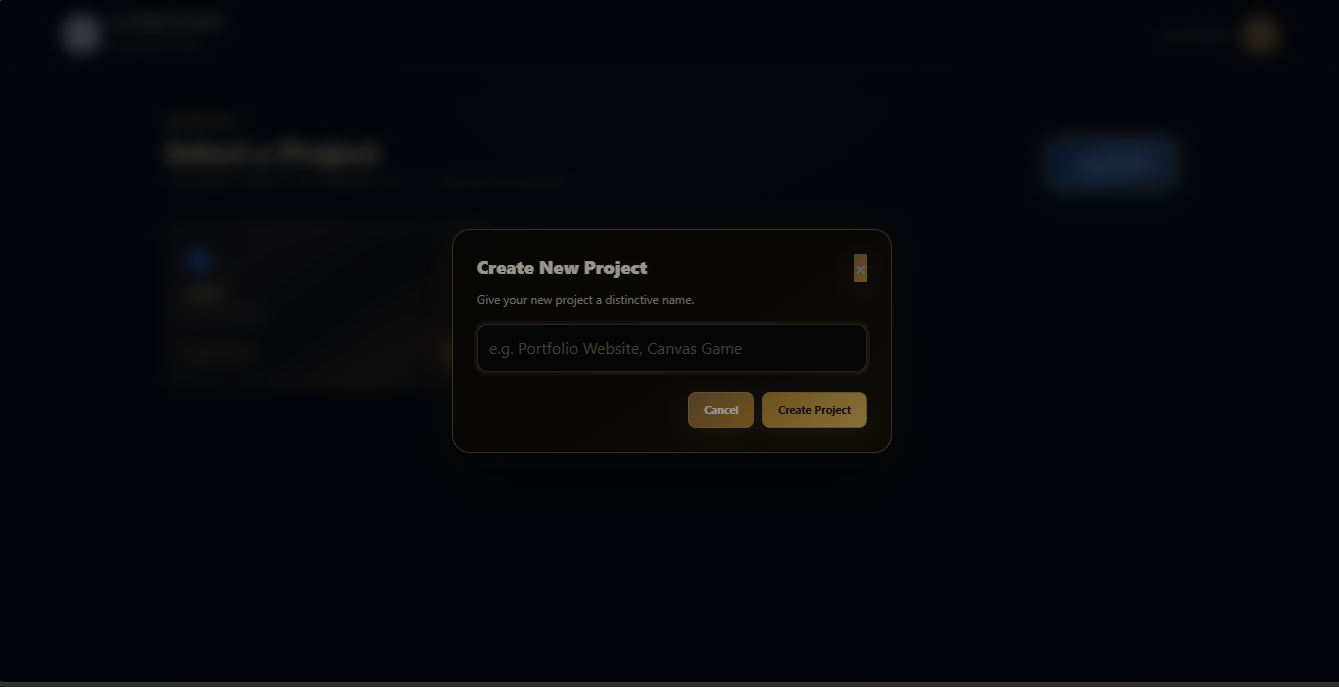
Turn an idea into a project
A project gives your work a clear home. You can start by choosing a distinctive project name — whether you are experimenting with a portfolio, a game, a landing page or another web idea.
Keeping each idea inside its own project makes it easier to return to your work, continue experimenting and understand what belongs to which project.
One workspace for the whole build
The workspace brings your project files, code editor, live output and development controls together so you can build and test without constantly changing tools.
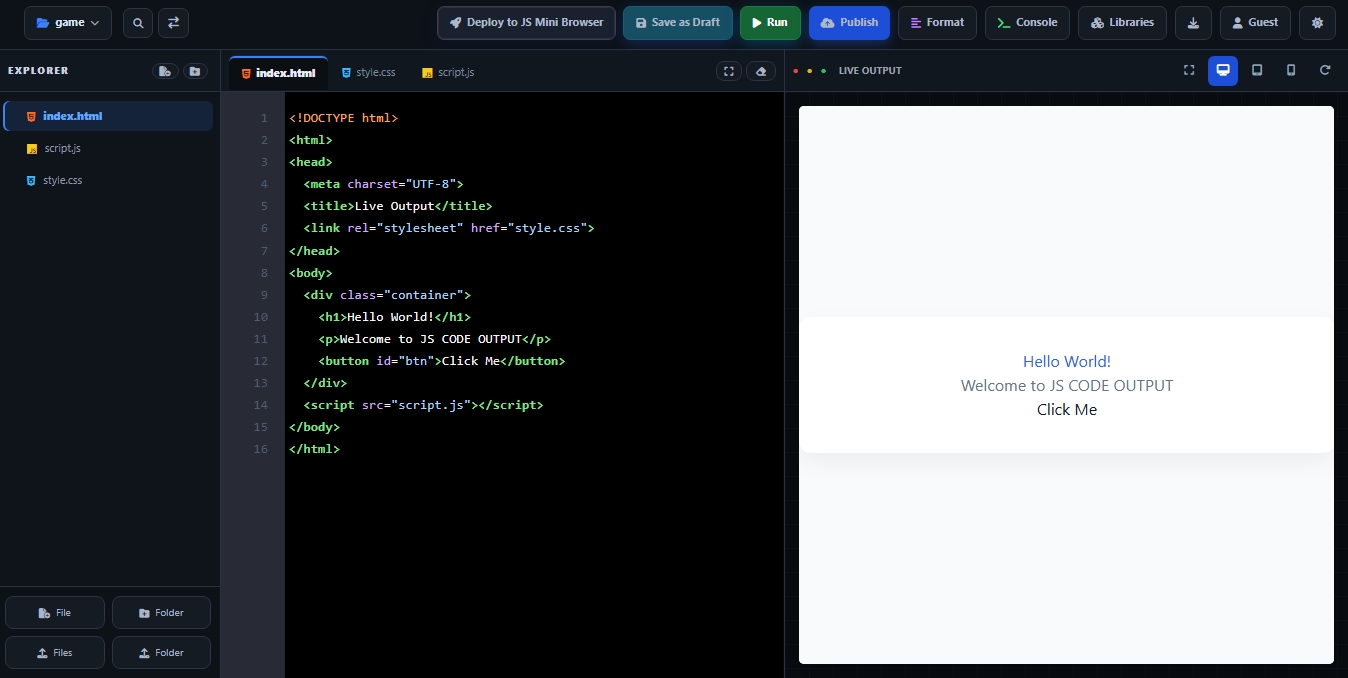
Explorer
Manage the files and folders that make up your project.
Editor
Work with files such as HTML, CSS and JavaScript directly in the workspace.
Live Output
Run your project and see the resulting webpage beside your code.
Build Controls
Use actions such as Save as Draft, Run, Publish, Format, Console and Libraries as available in the workspace.
Why this layout matters
Beginners can learn the relationship between code and output visually. Instead of writing code in one place and opening another application to check it, the workspace keeps the source and result close together. That makes experimenting, finding mistakes and improving a page much easier.
HTML · CSS · JavaScript
JS CODE OUTPUT is centered around the three technologies beginners commonly use to build interactive webpages.
Build the structure and content of your webpage.
Style your project and shape its visual appearance.
Add interaction, logic and functionality to your webpage.
When the project is ready, take it further
Building is only half of the journey. Once your project is working, JS CODE OUTPUT provides a deployment flow for publishing it inside the JS mini.Browser ecosystem.
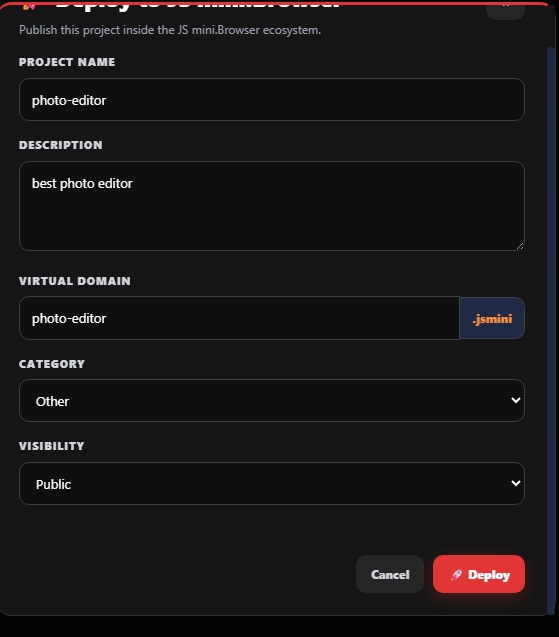
The deployment screen lets you provide information such as the project name, description, virtual domain, category and visibility before deploying. This turns a project you created in the editor into something that can be presented and shared through the platform's publishing experience.
Give the published project its own recognizable name.
Choose the publishing visibility offered by the deployment screen.
Why JS CODE OUTPUT is great for beginners
The goal is not to make coding feel complicated. The goal is to make the first steps understandable and the next steps easy to explore.
Fast feedback
See the relationship between your code and the webpage quickly through live output.
Learn by experimenting
Change a line, run the project and observe what happens. That makes concepts easier to understand.
Project-based learning
Learning becomes more practical when you build actual pages, small apps and creative experiments.
Browser-based
Get started from the browser without first setting up a large local development environment.
From idea to publishing
The workflow connects creating, testing and publishing instead of treating them as completely separate tasks.
Beginner first
Students, first-time learners, creators and hobby developers can start small and grow from there.
Make web development easier to approach
Our goal is to make coding more accessible for people who are learning, experimenting or simply trying to turn an idea into a working webpage. JS CODE OUTPUT is designed to give beginners a practical place to start while still providing a useful workflow for building and testing real web projects.
Who is it for?
JS CODE OUTPUT can be useful for students, beginners, creators, hobby developers and anyone who wants to quickly experiment with HTML, CSS and JavaScript.
What can you build?
Start with a simple webpage and gradually experiment with portfolios, landing pages, interactive components, small web apps, games and other browser-based ideas.
Have a question or feedback?
Use the Contact Us page for the platform's available contact and support information. Feedback from users can help make the experience clearer and more useful.
Learn. Build. See it live.
You do not need to know everything before you begin. Start with an idea, create a project, write your code, watch the result and keep improving.
Open JS CODE OUTPUT →